
LNZ Crosshair
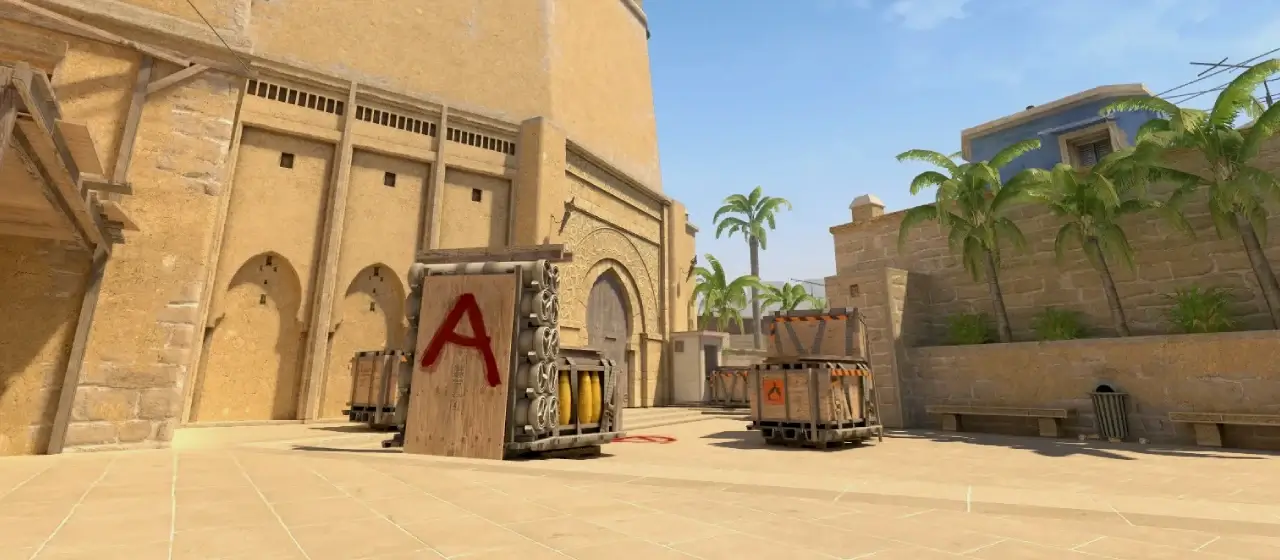 mirage
- Style
- Classic Static
- Color
- Cyan
- Size
- 1.1
- Thickness
- 0
- Gap
- -3
- Outline
- Off
- Center Dot
- Yes
- T-Style
- No
CSGO-GJadU-ZJ58W-Uxbfq-LC2NK-AerVQ
LNZ plays a compact, gapless, tightly closed cyan crosshair for MIBR in CS2. It adds a center dot. The minimal footprint keeps distant enemies visible while giving a precise center reference for one-taps. Copy the share code above, or grab the raw console commands below.
Aim Like LNZ
The exact mouse & mousepad LNZ uses in CS2

As an affiliate, MetaOne may earn from qualifying purchases.
Match Your Sensitivity with LNZ
Enter your DPI to get LNZ's exact in-game sensUse in-game sensitivity
0.90
Assumes Raw Input: On and Windows pointer speed 6/11 (default) — the pro standard LNZ uses. Without raw input, Windows sensitivity multiplies the result.
Console Commands
Paste into the developer console (~) to apply LNZ's crosshaircl_crosshairstyle 4
cl_crosshairsize 1.1
cl_crosshairthickness 0
cl_crosshairgap -3
cl_crosshair_drawoutline 0
cl_crosshaircolor 5
cl_crosshaircolor_r 0
cl_crosshaircolor_g 255
cl_crosshaircolor_b 175
cl_crosshairusealpha 1
cl_crosshairalpha 255
cl_crosshairdot 1
cl_crosshair_t 0All Crosshair Settings
Each value mapped to its CS2 console variable| Setting | Console variable | Value |
|---|---|---|
| Style | cl_crosshairstyle | 4 · Classic Static |
| Size | cl_crosshairsize | 1.1 |
| Thickness | cl_crosshairthickness | 0 |
| Gap | cl_crosshairgap | -3 |
| Color | cl_crosshaircolor_r/g/b | 0, 255, 175 |
| Outline | cl_crosshair_drawoutline | 0 · Off |
| Alpha | cl_crosshairalpha | 255 |
| Center Dot | cl_crosshairdot | 1 · Yes |
| T-Style | cl_crosshair_t | 0 · No |
Frequently Asked Questions
What crosshair does LNZ use?
A Classic Static (cl_crosshairstyle 4) cyan crosshair — size 1.1, thickness 0, with a -3 gap, a center dot and no outline.
How do I use LNZ's crosshair in CS2?
Two ways. Share code (easiest): copy CSGO-GJadU-ZJ58W-Uxbfq-LC2NK-AerVQ, then in CS2 go to Settings → Game → Crosshair, click Import, and paste it. Console: enable the developer console, press ~, then paste the console commands above.
What is LNZ's crosshair share code?
CSGO-GJadU-ZJ58W-Uxbfq-LC2NK-AerVQ — paste it into CS2's in-game crosshair menu to apply it instantly.
What color is LNZ's crosshair?
Cyan (RGB 0, 255, 175).
Why is LNZ's crosshair so small?
A small, gapless crosshair gives a precise center reference for one-taps and headshots without obscuring distant enemies — a common choice among rifle players.