
CS2 Crosshair Generator
Dial in your crosshair with a live preview over real maps, then copy the share code or console commands straight into CS2. Paste any CSGO- code to import and edit it.
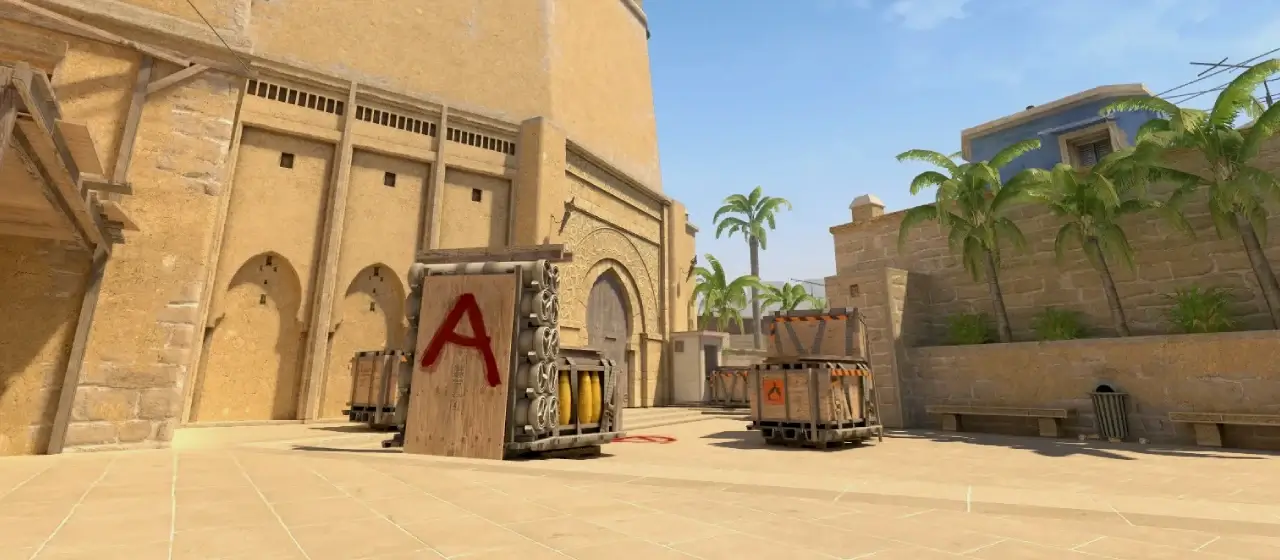 mirage
CS2 Share Code Paste into Settings → Crosshair → Import
CSGO-…
Console Commands Paste into the CS2 console (~)
Try a pro's crosshair:
How to apply your crosshair in CS2
- Share code (easiest): click Copy on the CS2 Share Code above. In CS2, open Settings → Game → Crosshair, click Import, and paste it.
- Console commands: enable the developer console (Settings → Game → Enable Developer Console: Yes), press
~, then paste the copied command block. - Edit a pro's crosshair: copy any
CSGO-code and click Paste, or browse pro crosshairs and hit Edit in generator to load one here.
Frequently Asked Questions
How do I use a CS2 crosshair share code?
Copy the CSGO- code, open CS2, go to Settings → Game → Crosshair, click Import, and paste it. The crosshair applies instantly.
Is the crosshair generator free?
Yes — it runs entirely in your browser, needs no login, and is completely free.
Can I edit a pro player's crosshair?
Yes. Paste any pro's share code into the Import box, or open a player's page and click Edit in generator to load their exact crosshair, then tweak it.