
mir Crosshair
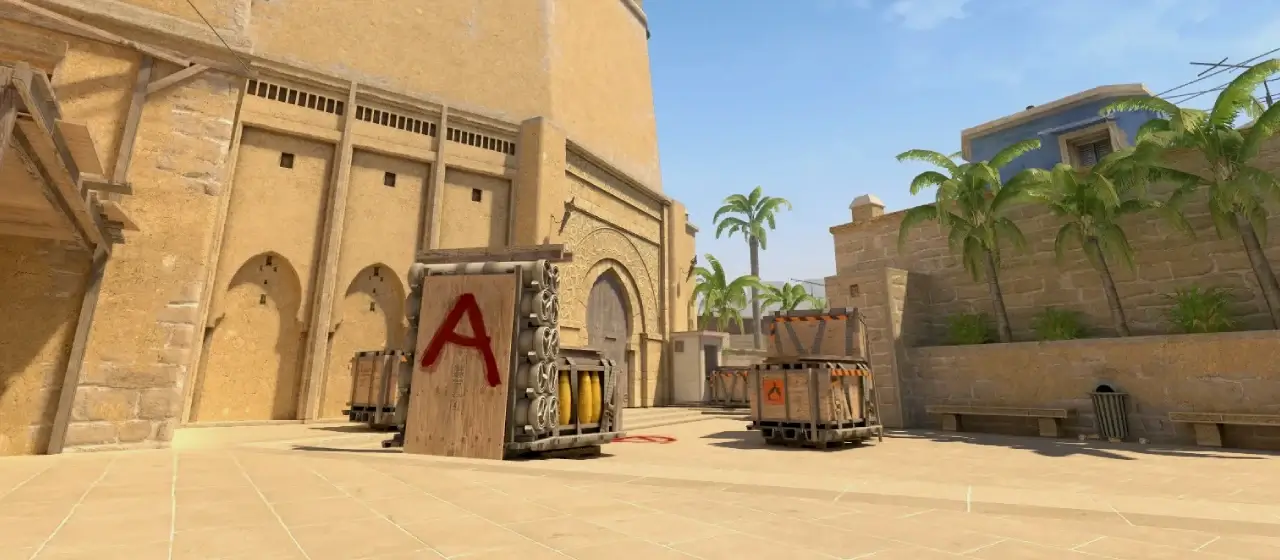 mirage
- Style
- Classic Static
- Color
- White
- Size
- 1
- Thickness
- 1
- Gap
- -4
- Outline
- Off
- Center Dot
- No
- T-Style
- No
CSGO-VrCOS-n4tf4-WTOLt-2Da3v-EypxA
mir plays a compact, gapless, tightly closed white crosshair for Virtus.pro in CS2. It runs clean with no dot or outline. The minimal footprint keeps distant enemies visible while giving a precise center reference for one-taps. Copy the share code above, or grab the raw console commands below.
Aim Like mir
The exact mouse & mousepad mir uses in CS2 Mouse
Logitech G Pro X Superlight 2 Dex Black
Check price
Mouse
Logitech G Pro X Superlight 2 Dex Black
Check price
 Mousepad
SteelSeries QcK Heavy
Check price
Mousepad
SteelSeries QcK Heavy
Check price
As an affiliate, MetaOne may earn from qualifying purchases.
Match Your Sensitivity with mir
Enter your DPI to get mir's exact in-game sensUse in-game sensitivity
0.95
Assumes Raw Input: On and Windows pointer speed 6/11 (default) — the pro standard mir uses. Without raw input, Windows sensitivity multiplies the result.
Console Commands
Paste into the developer console (~) to apply mir's crosshaircl_crosshairstyle 4
cl_crosshairsize 1
cl_crosshairthickness 1
cl_crosshairgap -4
cl_crosshair_drawoutline 0
cl_crosshaircolor 5
cl_crosshaircolor_r 255
cl_crosshaircolor_g 255
cl_crosshaircolor_b 255
cl_crosshairusealpha 1
cl_crosshairalpha 250
cl_crosshairdot 0
cl_crosshair_t 0All Crosshair Settings
Each value mapped to its CS2 console variable| Setting | Console variable | Value |
|---|---|---|
| Style | cl_crosshairstyle | 4 · Classic Static |
| Size | cl_crosshairsize | 1 |
| Thickness | cl_crosshairthickness | 1 |
| Gap | cl_crosshairgap | -4 |
| Color | cl_crosshaircolor_r/g/b | 255, 255, 255 |
| Outline | cl_crosshair_drawoutline | 0 · Off |
| Alpha | cl_crosshairalpha | 250 |
| Center Dot | cl_crosshairdot | 0 · No |
| T-Style | cl_crosshair_t | 0 · No |
Frequently Asked Questions
What crosshair does mir use?
A Classic Static (cl_crosshairstyle 4) white crosshair — size 1, thickness 1, with a -4 gap and no outline.
How do I use mir's crosshair in CS2?
Two ways. Share code (easiest): copy CSGO-VrCOS-n4tf4-WTOLt-2Da3v-EypxA, then in CS2 go to Settings → Game → Crosshair, click Import, and paste it. Console: enable the developer console, press ~, then paste the console commands above.
What is mir's crosshair share code?
CSGO-VrCOS-n4tf4-WTOLt-2Da3v-EypxA — paste it into CS2's in-game crosshair menu to apply it instantly.
What color is mir's crosshair?
White (RGB 255, 255, 255).
Why is mir's crosshair so small?
A small, gapless crosshair gives a precise center reference for one-taps and headshots without obscuring distant enemies — a common choice among rifle players.